BLE UART Service
Materials
Supported EVB x 1
[AMB82-mini] / [AMB21-22] / [AMB23] / [AMB25] / [AMB26] / [BW16] / [BW16-TypeC] / [AW-CU488]
Android / iOS mobile phone
Example
Introduction
With BLE, application data is sent and received using the GATT system. GATT uses services, characteristics, and attributes to organise data and control how the data can be read from and written to. The Bluetooth SIG specification for BLE includes several predefined services for common applications, but users are free to implement custom services and characteristics to best fit their data structure and application needs.
In this example, the BLEService and BLECharacteristic classes are used to implement a custom service for transmitting ASCII characters similar to regular UART. This custom service is the Nordic UART Service, which is supported in several mobile phone apps.
Procedure
Ensure that a compatible BLE UART app is installed on your mobile phone, it is available at:
Google Play Store:
Apple App Store:
Open the example, Files -> Examples -> AmebaBLE -> BLEUartService
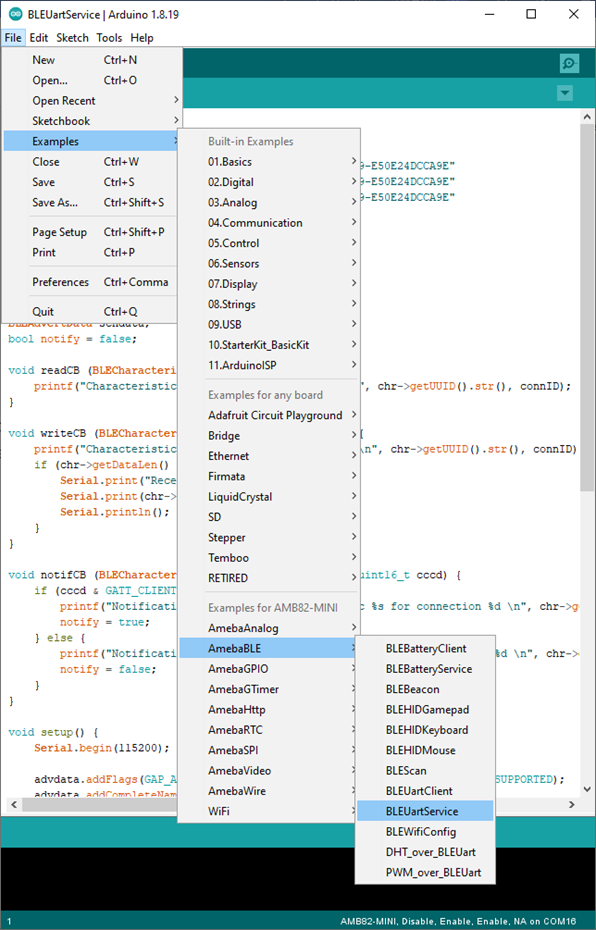
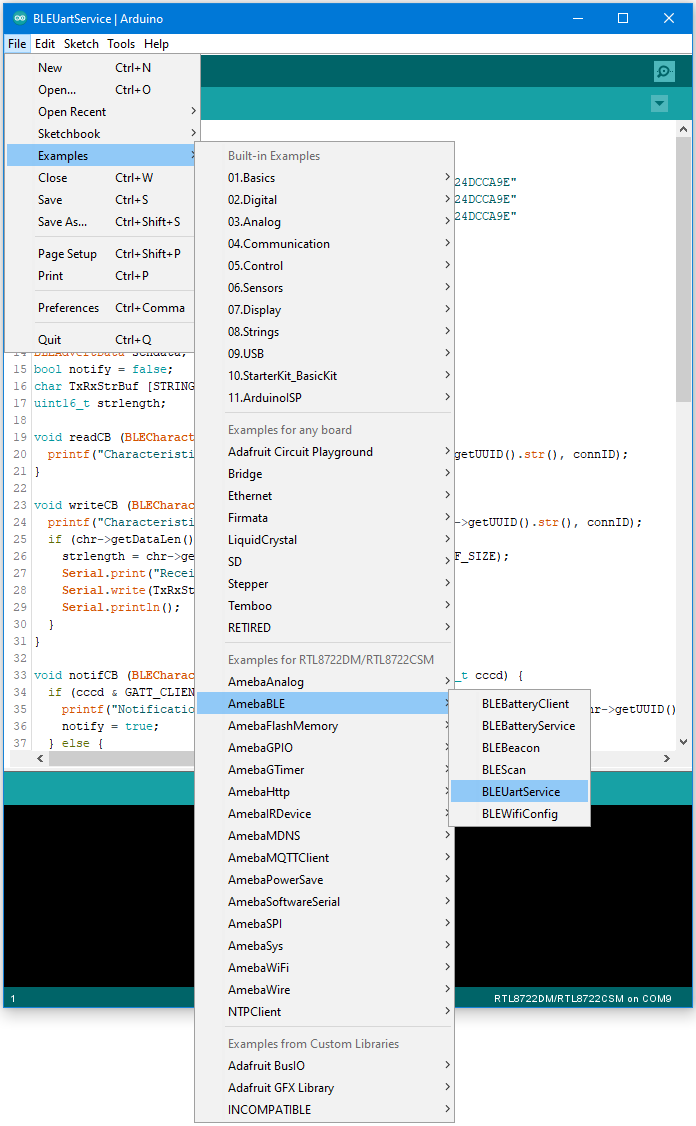
Upload the code and press the reset button on Ameba once the upload is finished.
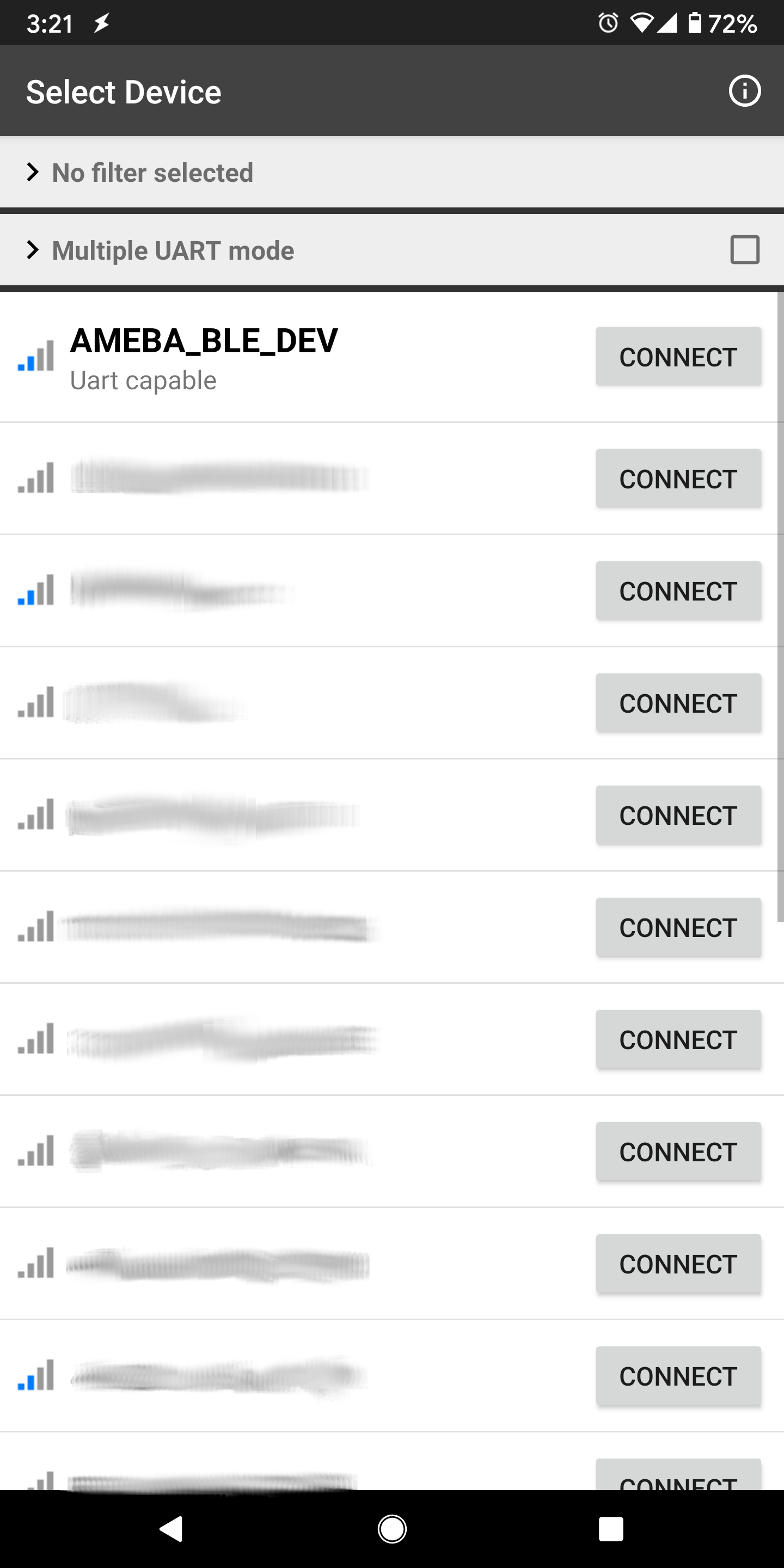
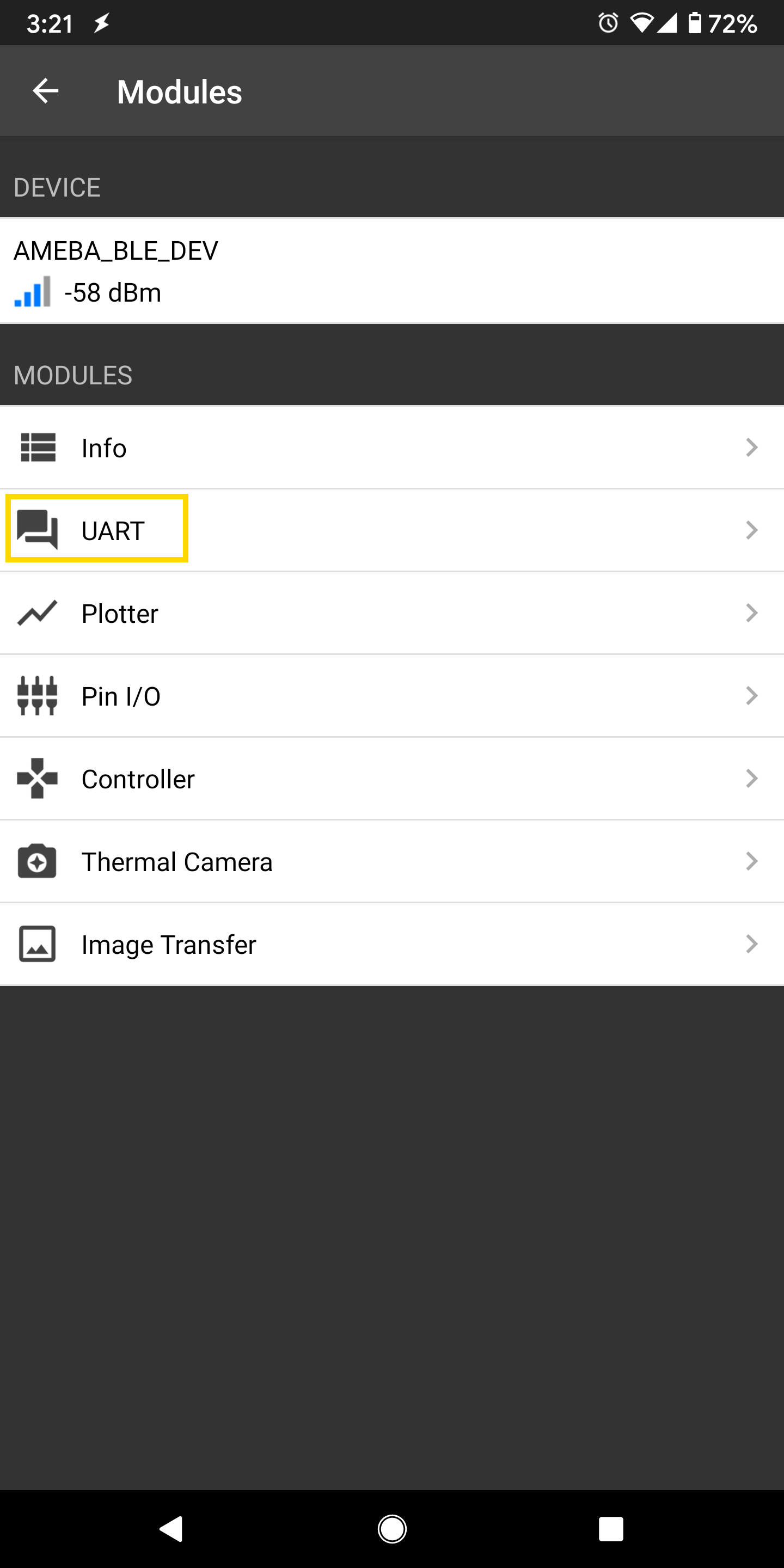
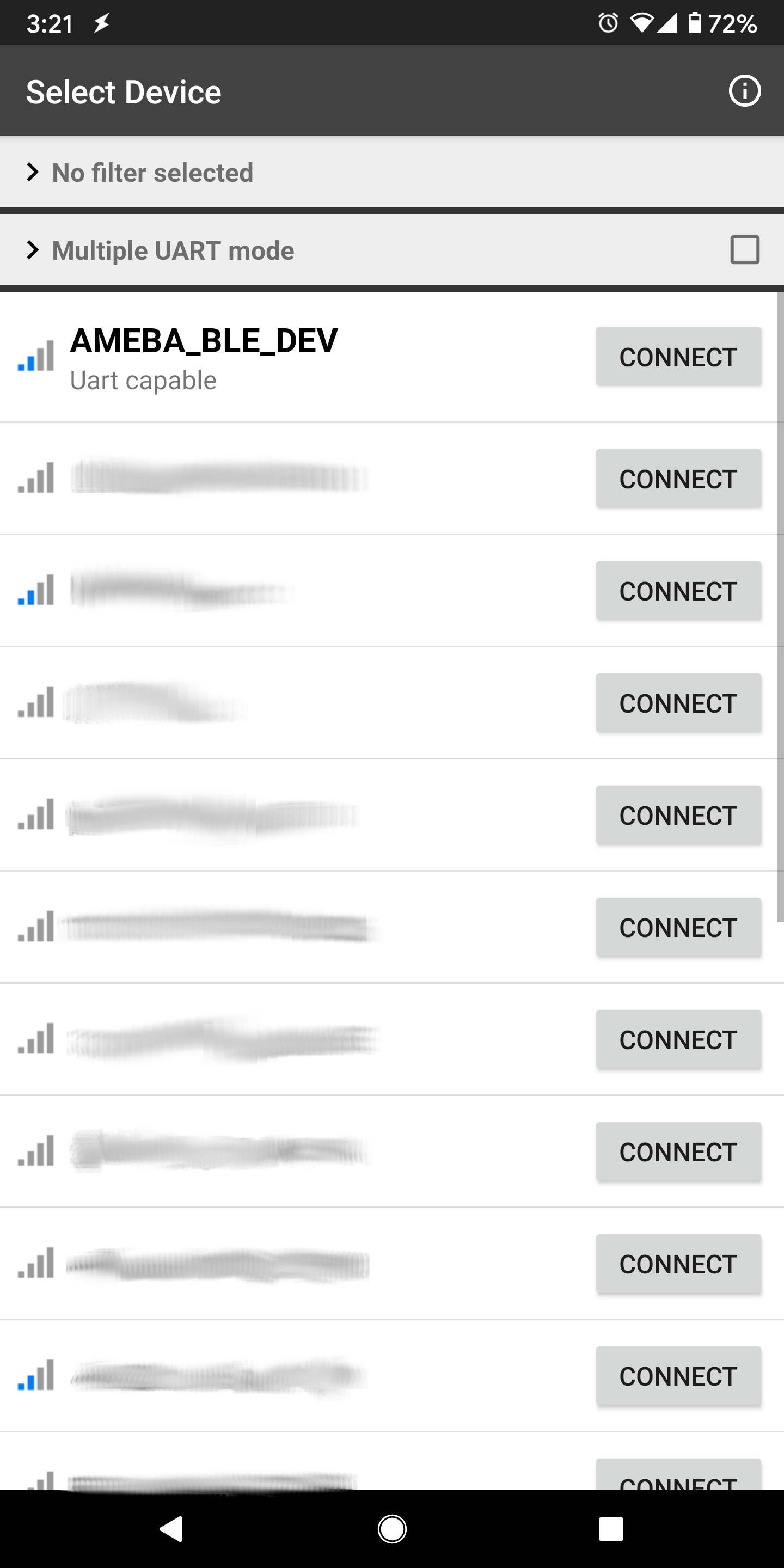
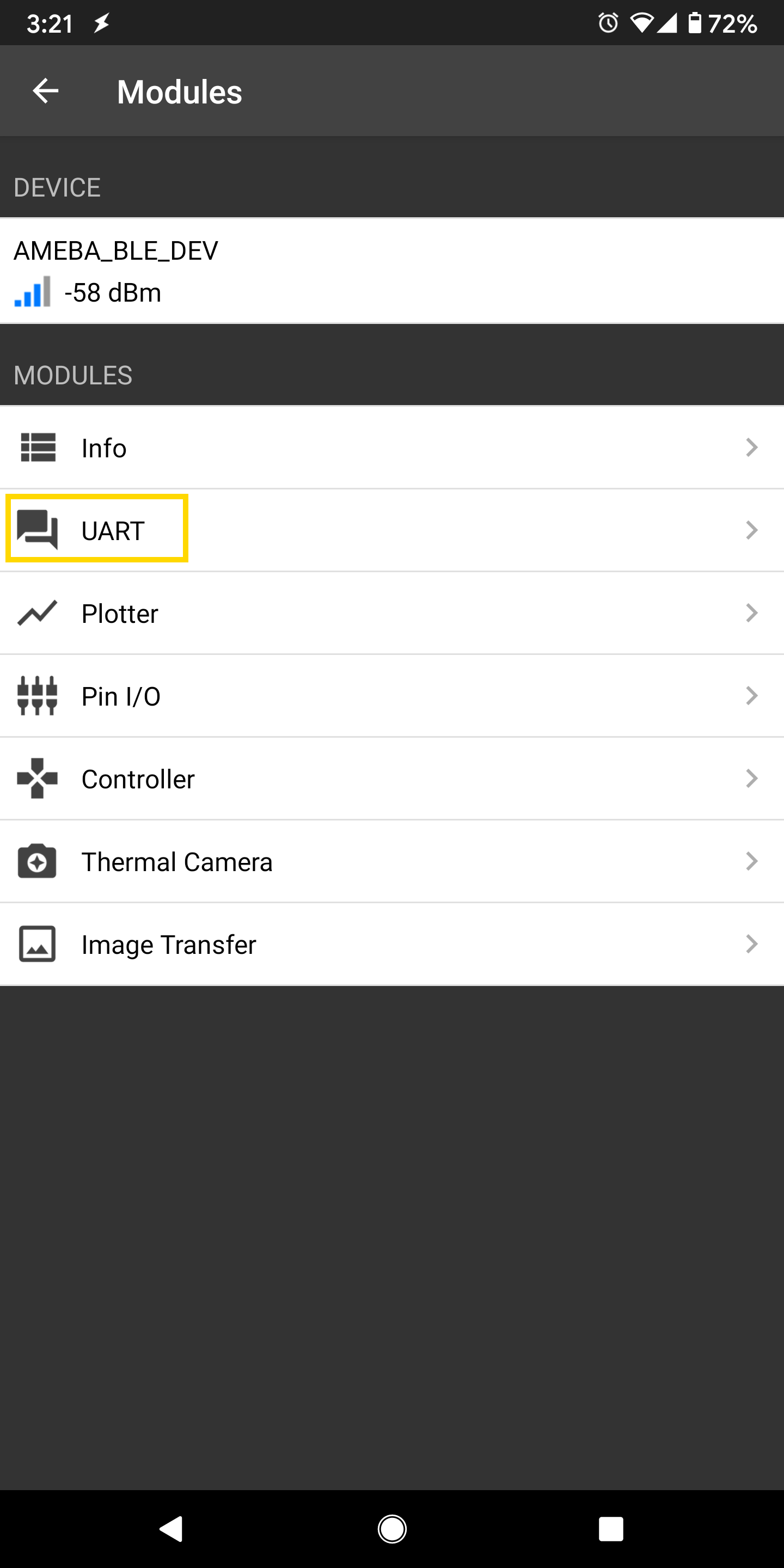
Open the app on your mobile phone, scan and connect to the Ameba board shown as AMEBA_BLE_DEV and choose the UART function in the app. Note that the BLE UART service on the Ameba board will only work with the UART and Plotter functions in the Bluefruit Connect app, other functions (Pin I/O, Image Transfer) require other BLE services that are not included in this example.
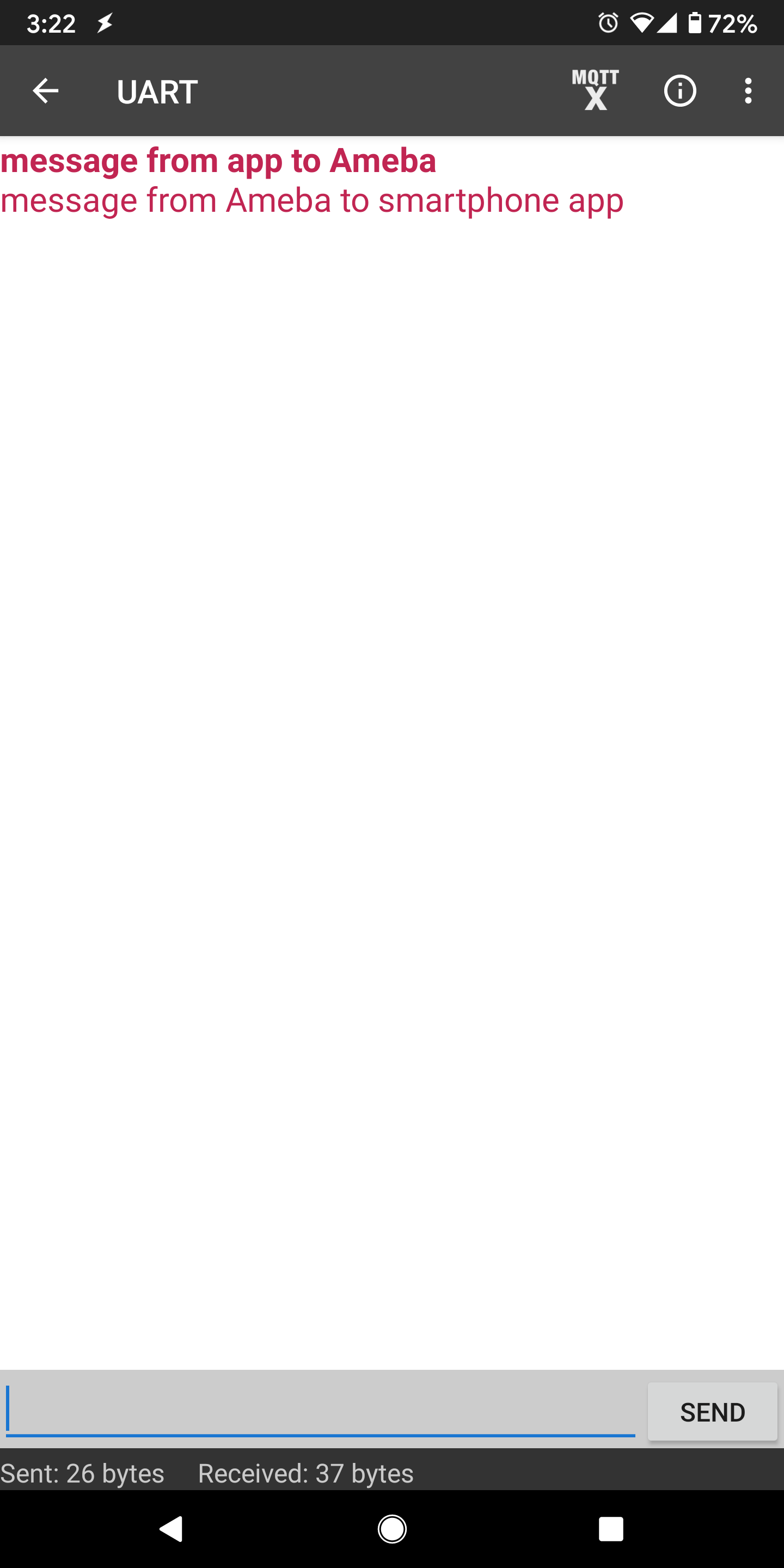
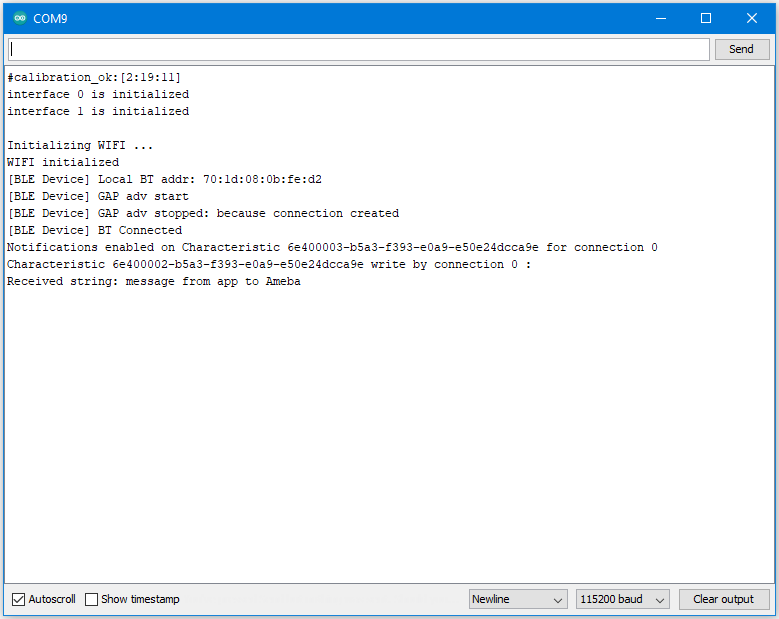
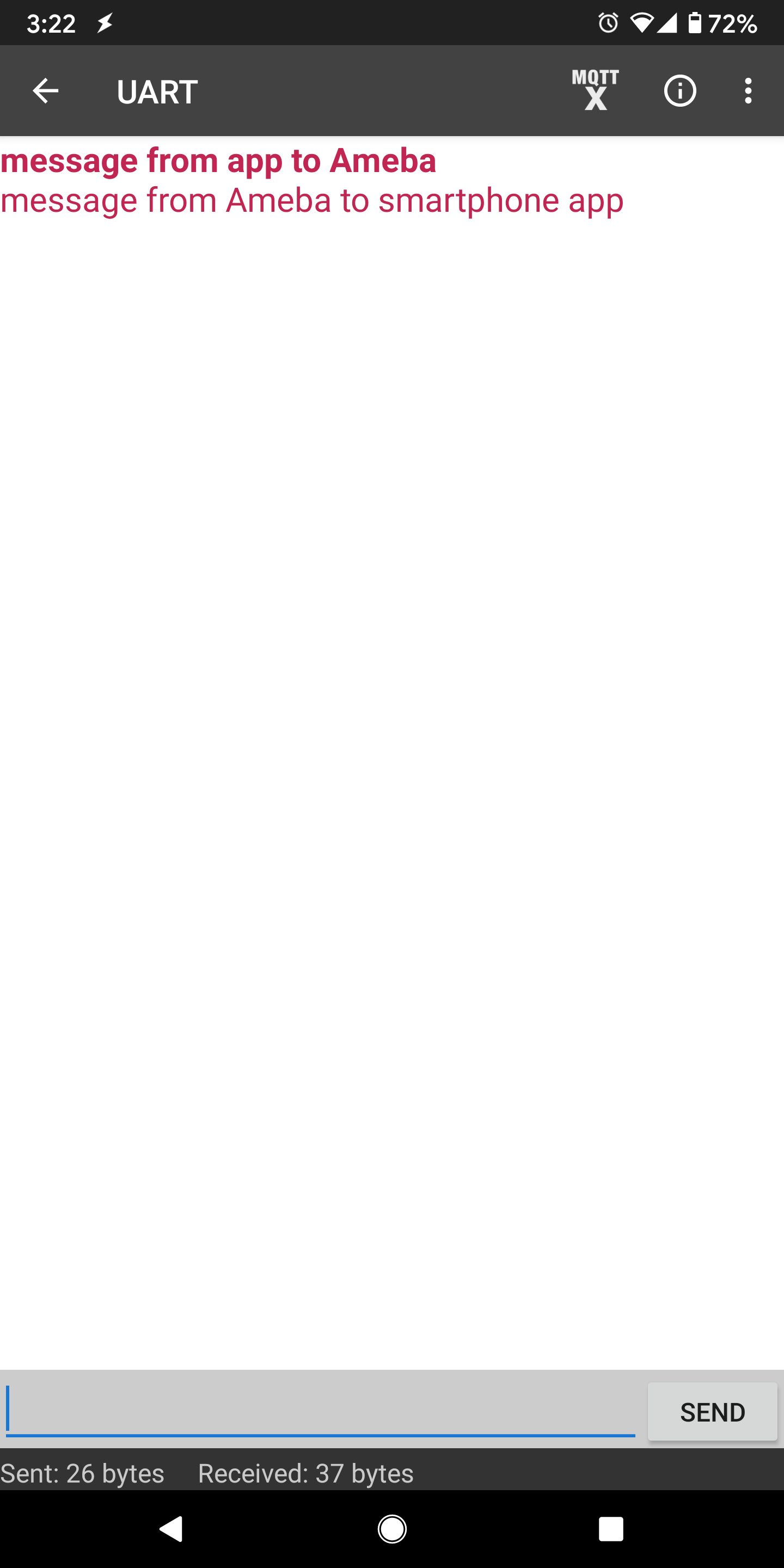
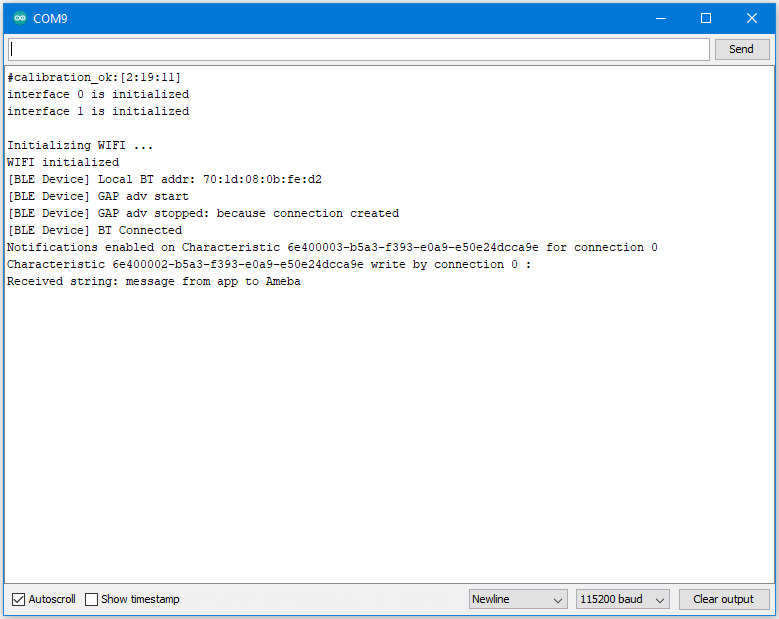
In the UART terminal section of the app, enter a message and click send. You should see the message appear in the Arduino serial monitor.
In the Arduino serial monitor, enter a message and click send. The message will appear in the mobile phone app.
Code Reference
The BLECharacteristic class is used to create two characteristics, one for receive (Rx) and one for transmit (Tx), and added to a service created with the BLEService class.
The required read/write/notify properties are set for each characteristic using the set__Property() methods, and callback functions are registered using the set__Callback() methods. The required buffer size is also set for each characteristic so that it has enough memory to store a complete string.
When data is written to the receive characteristic, the registered callback function is called, which prints out the received data as a string to the serial monitor.
When data is received on the serial port, it is copied into the transmit characteristic buffer, and the notify() method is used to inform the connected device of the new data.