DHT over BLE UART
Materials
Supported EVB x 1
[AMB82-mini] / [AMB21-22] / [AMB23] / [AMB25] / [AMB26] / [BW16] / [BW16-TypeC] / [AW-CU488]
DHT11 or DHT22 or DHT21
Android / iOS mobile phone
Example
Introduction
In this example, the data obtained from a DHT temperature and humidity sensor are transmitted over a BLE UART service to a mobile phone. Refer to the other examples for detailed explanations of using the DHT sensor and the BLE UART service.
Procedure
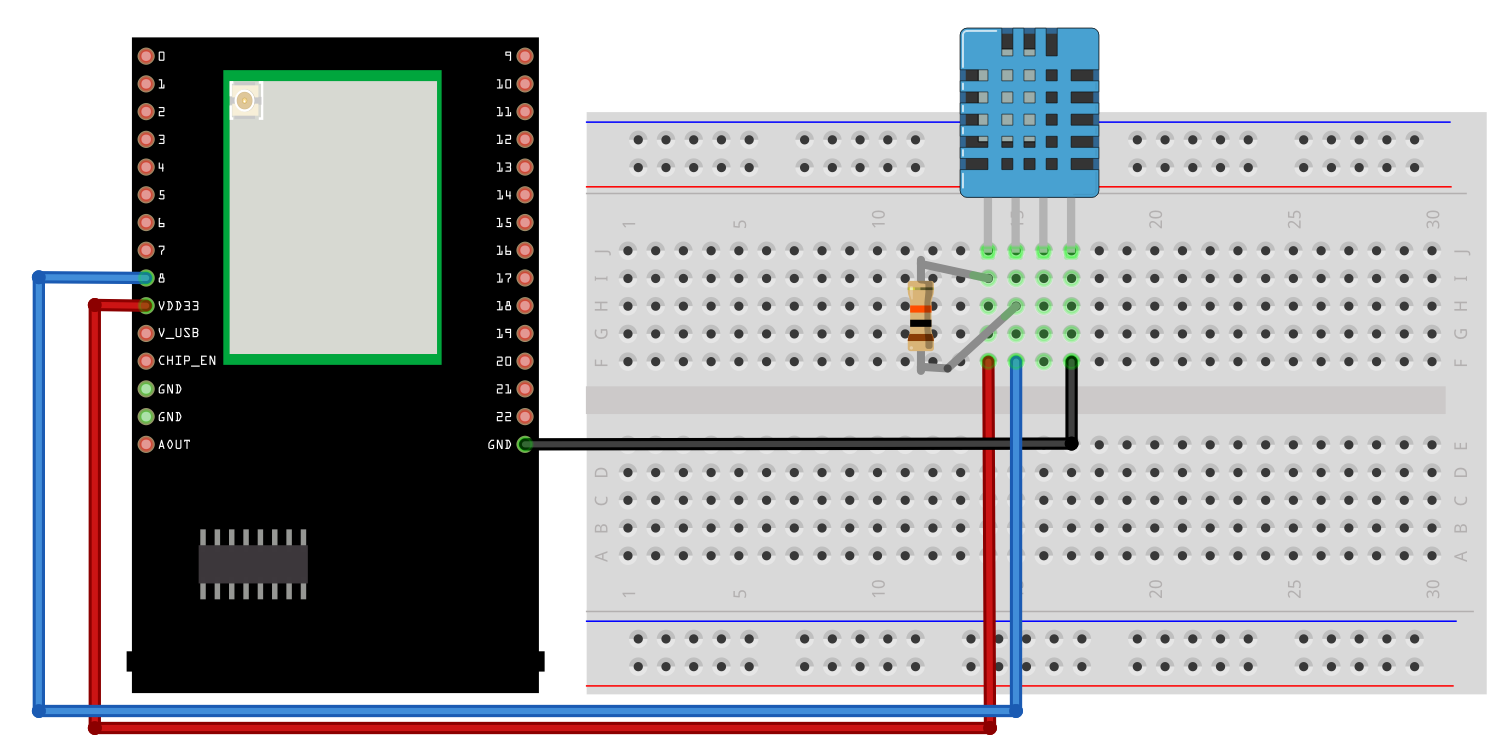
Take note that if you are using a DHT sensor that is not mounted on a PCB, you will have to add in a 10K Ohm pull up resistor.
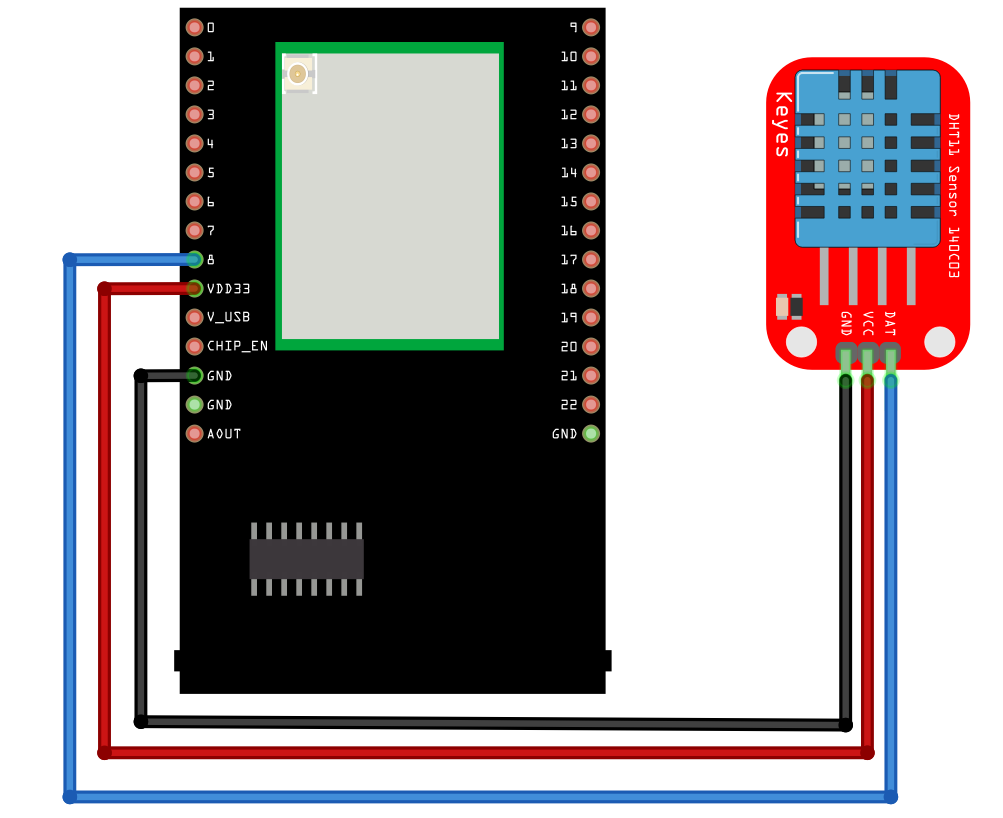
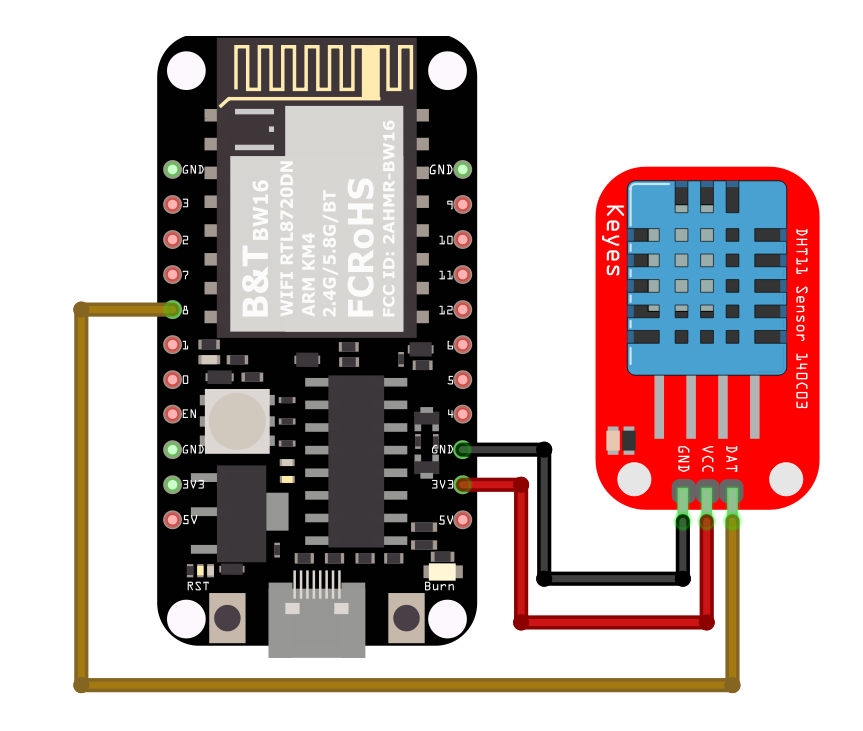
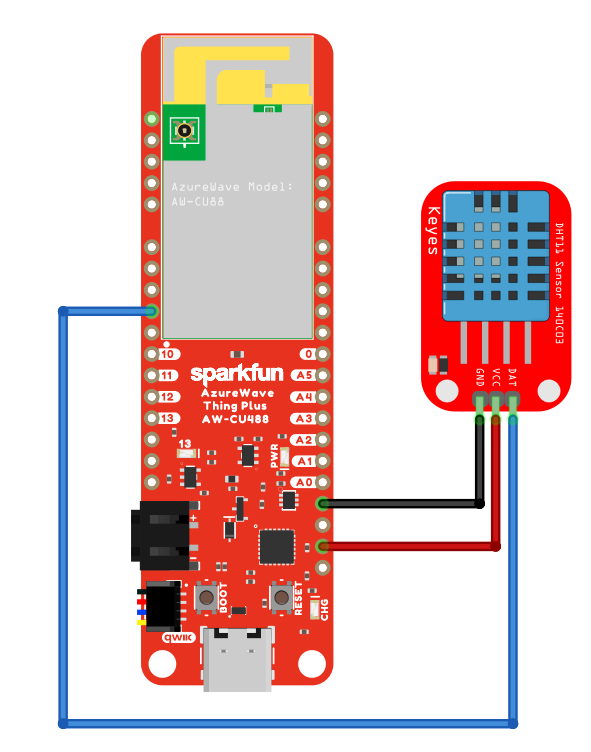
Connect the DHT sensor to the Ameba board following the diagram.
DHT sensor not mounted on a PCB board
DHT sensor mounted on a PCB board
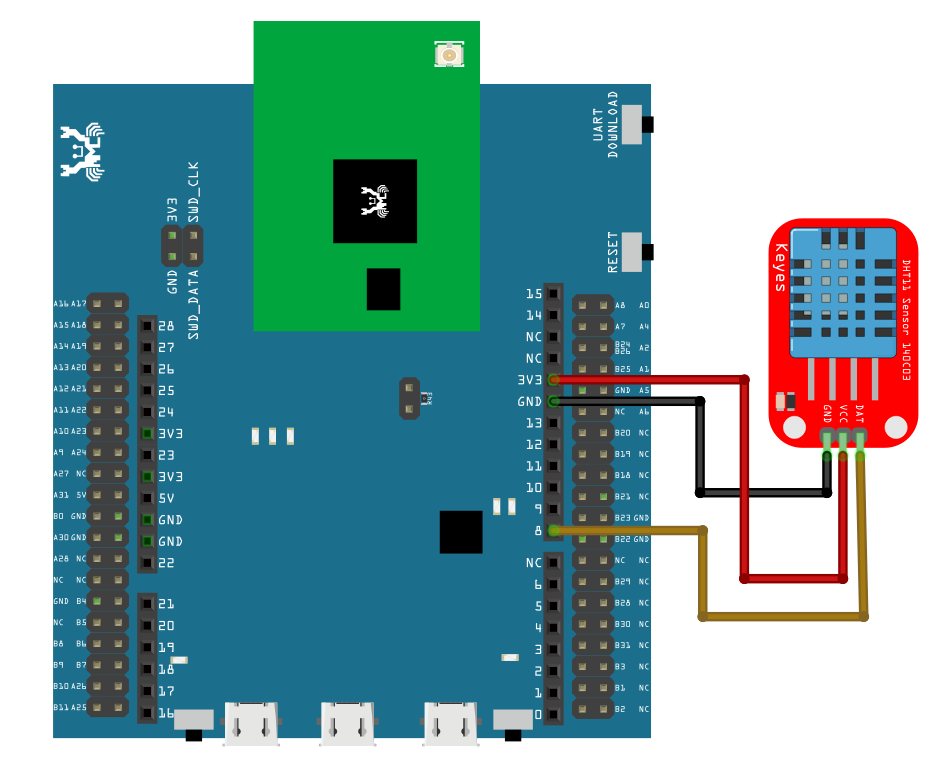
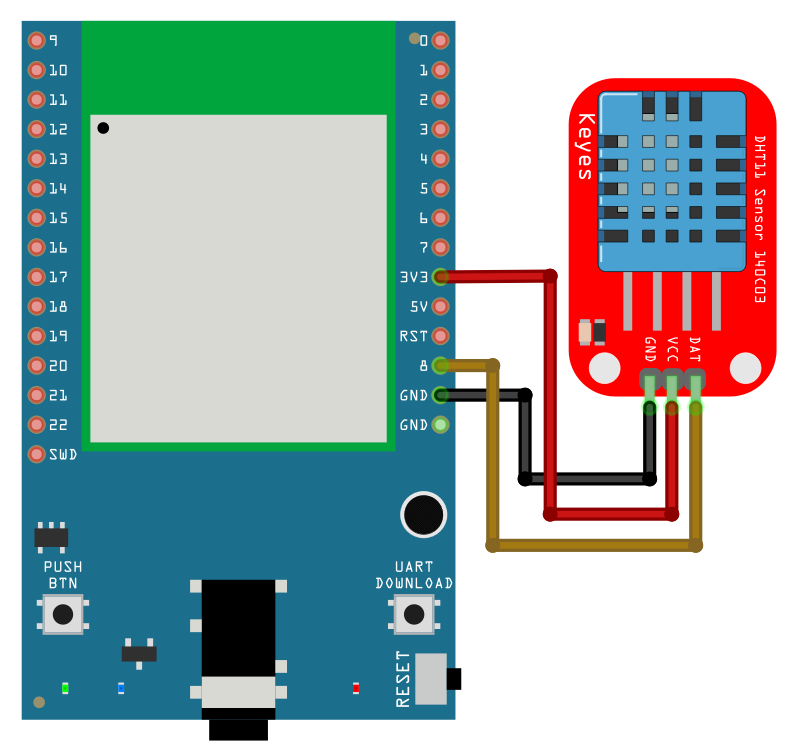
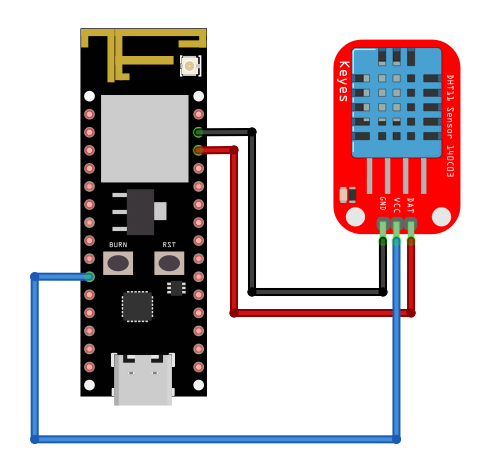
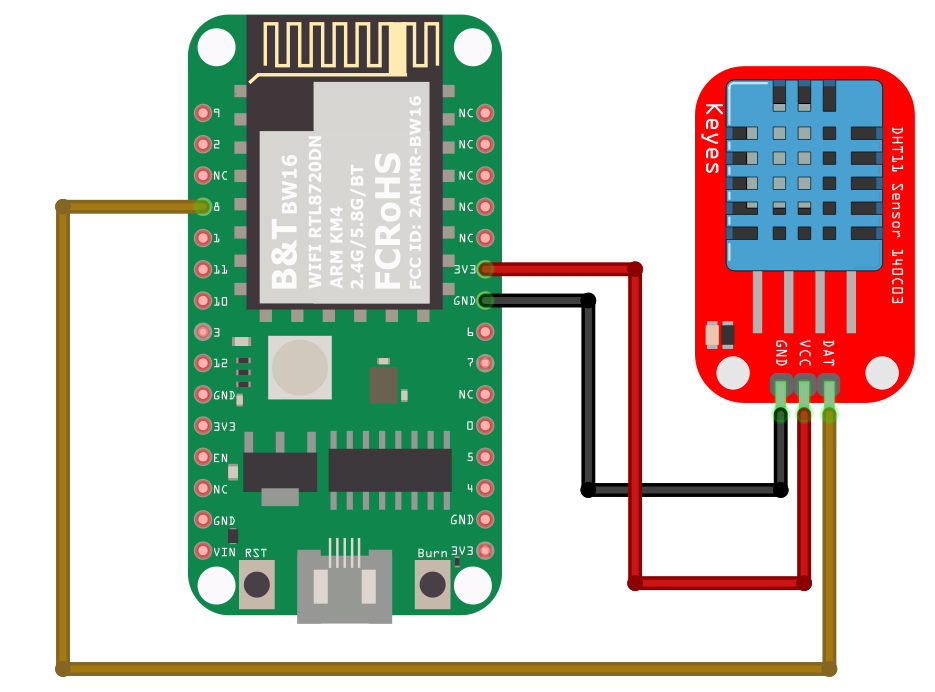
Ensure that a compatible BLE UART app is installed on your mobile phone, it is available at:
Google Play Store:
Apple App Store:
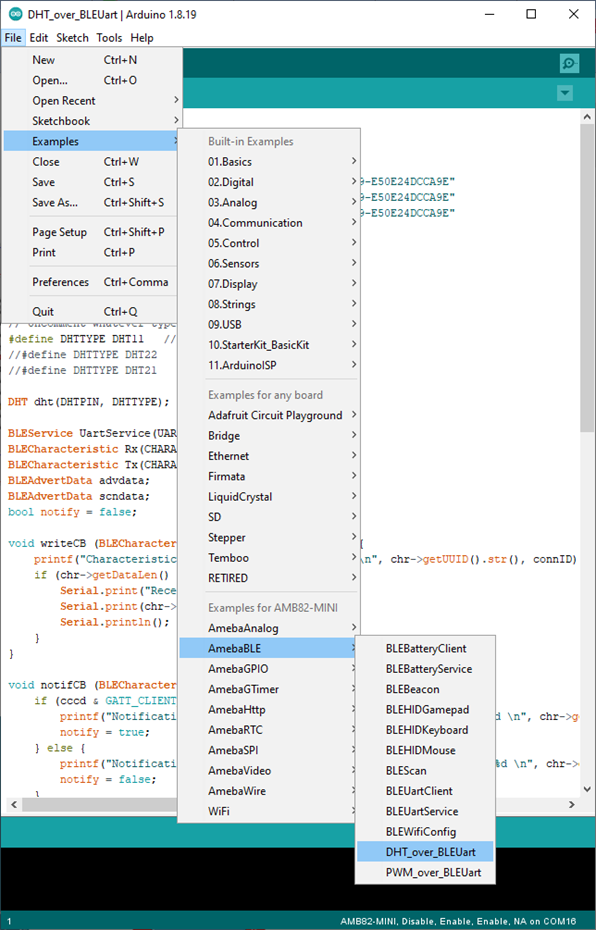
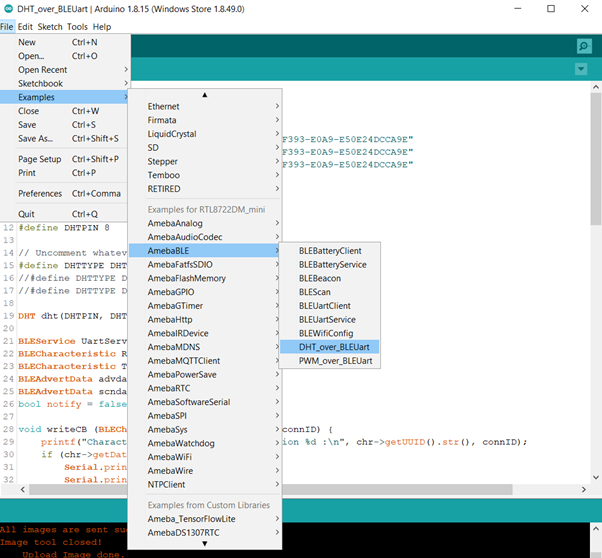
Open the example, Files -> Examples -> AmebaBLE -> DHT_over_BLEUart
Upload the code and press the reset button on Ameba once the upload is finished.
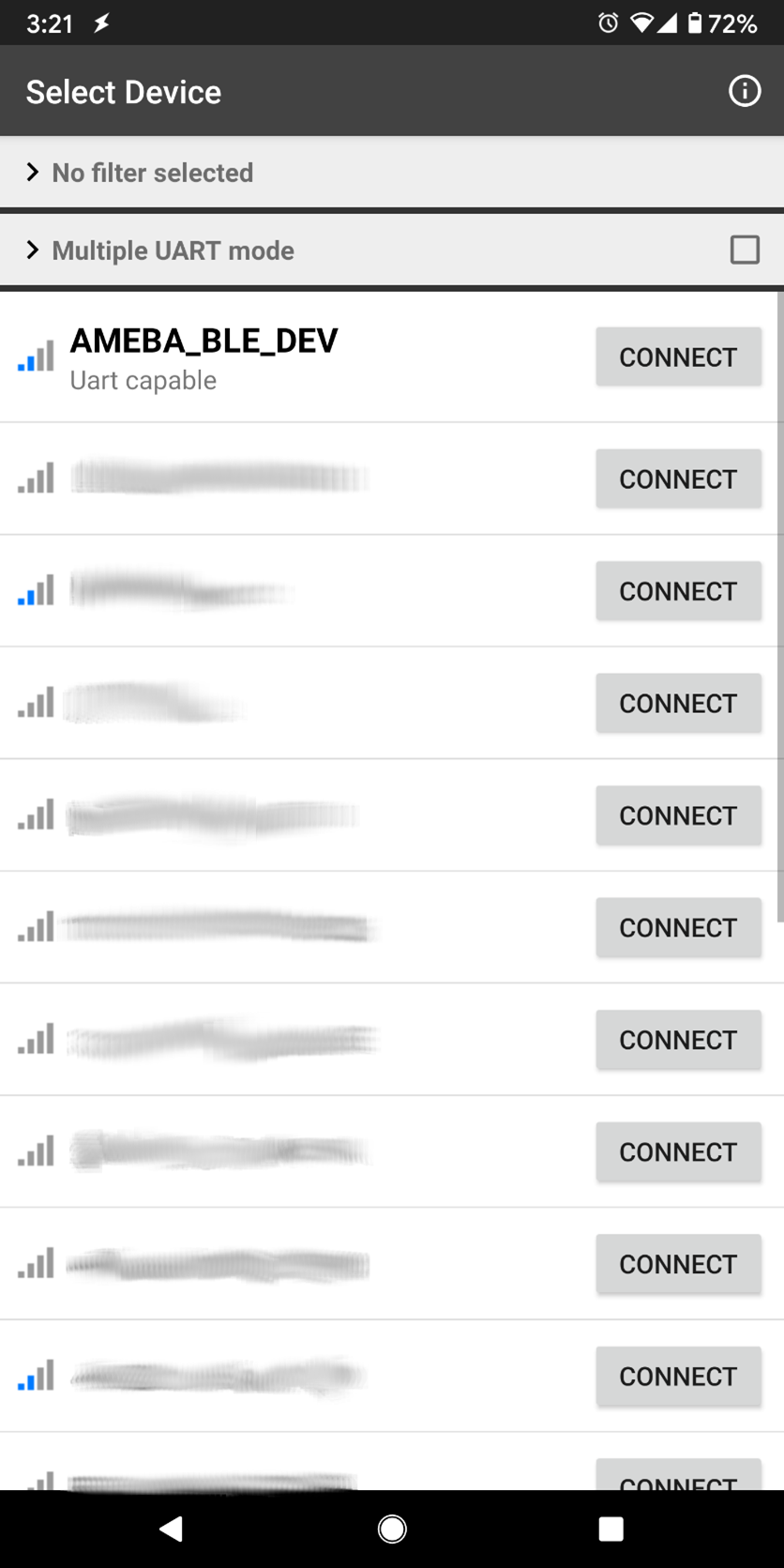
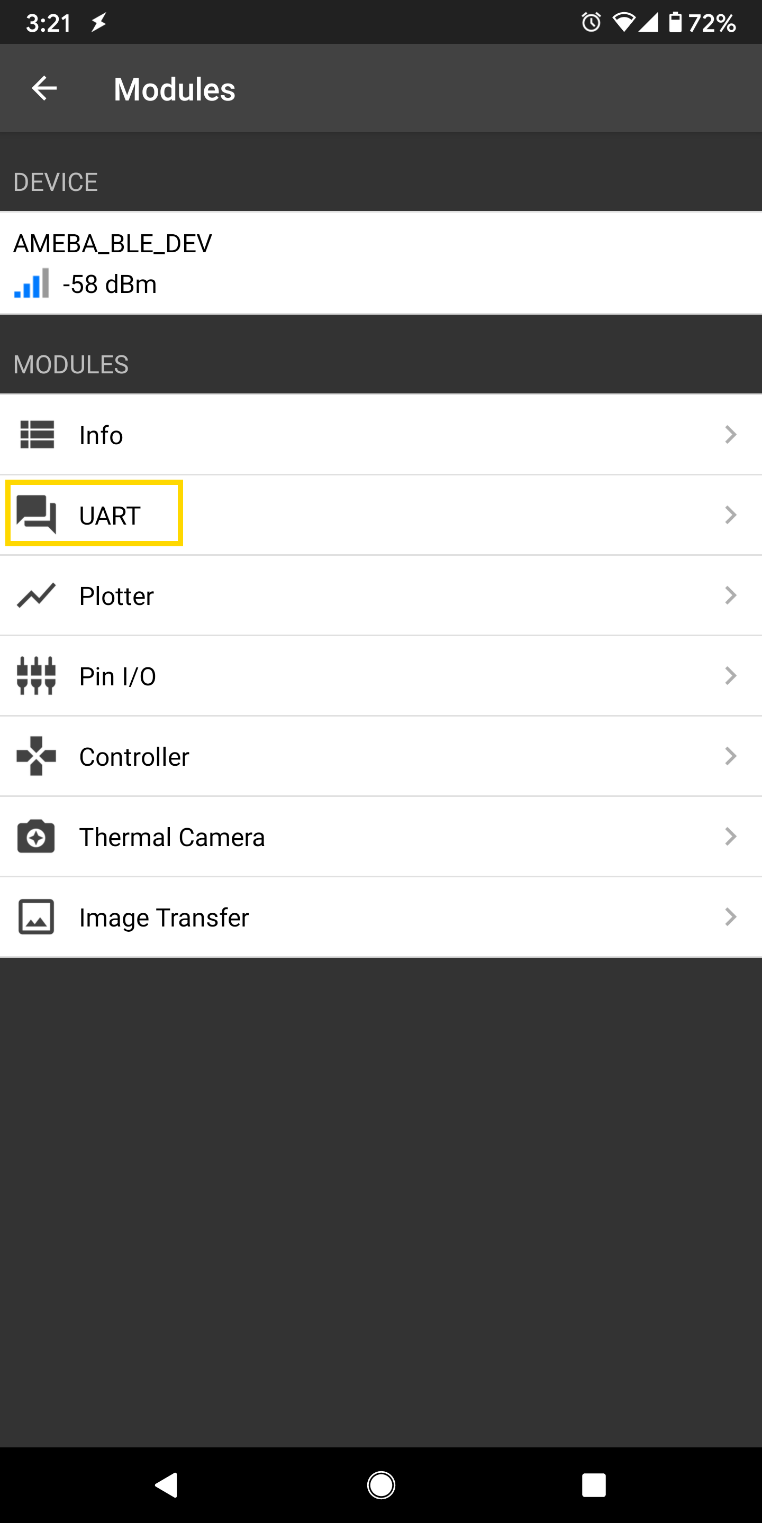
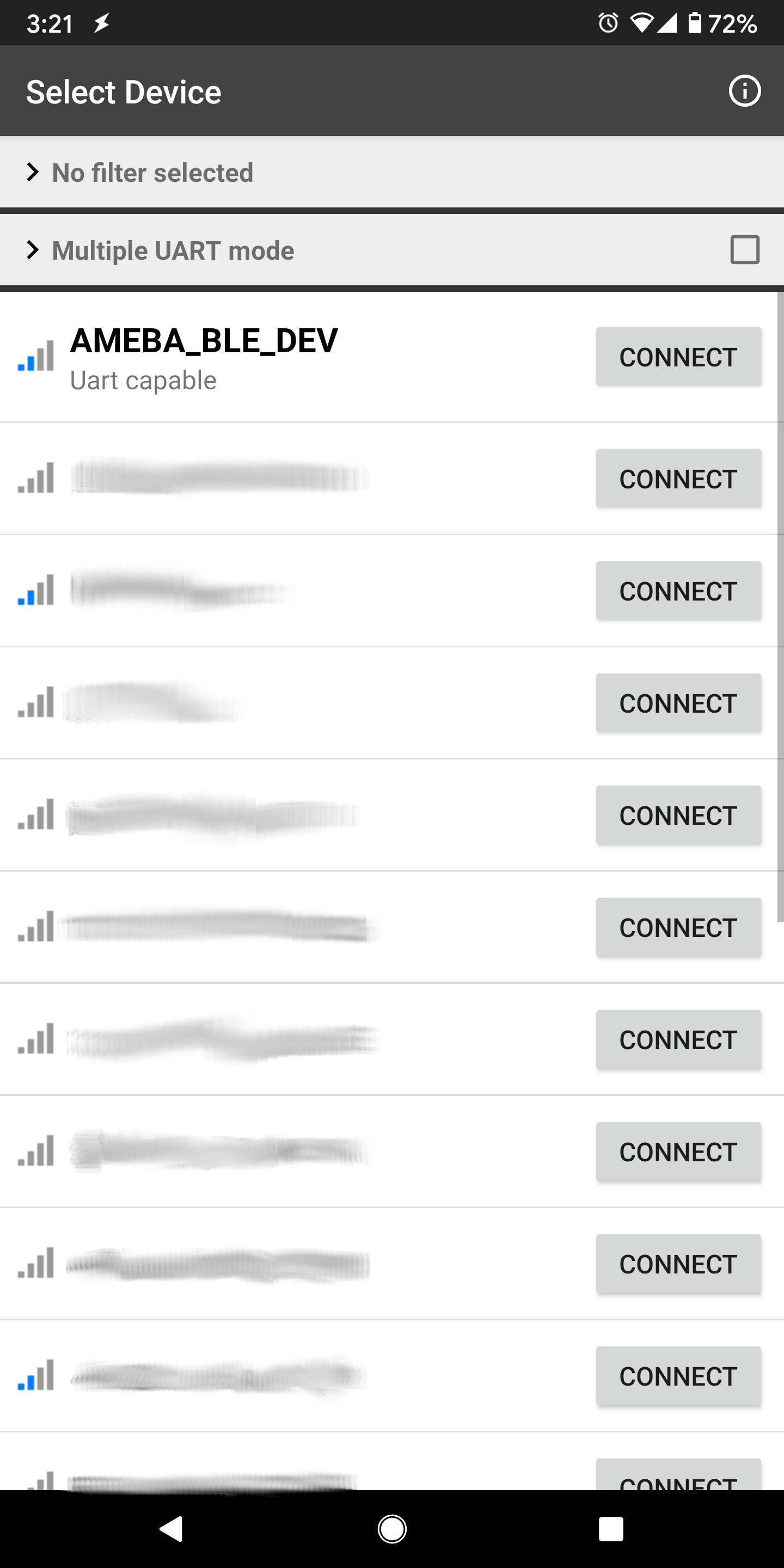
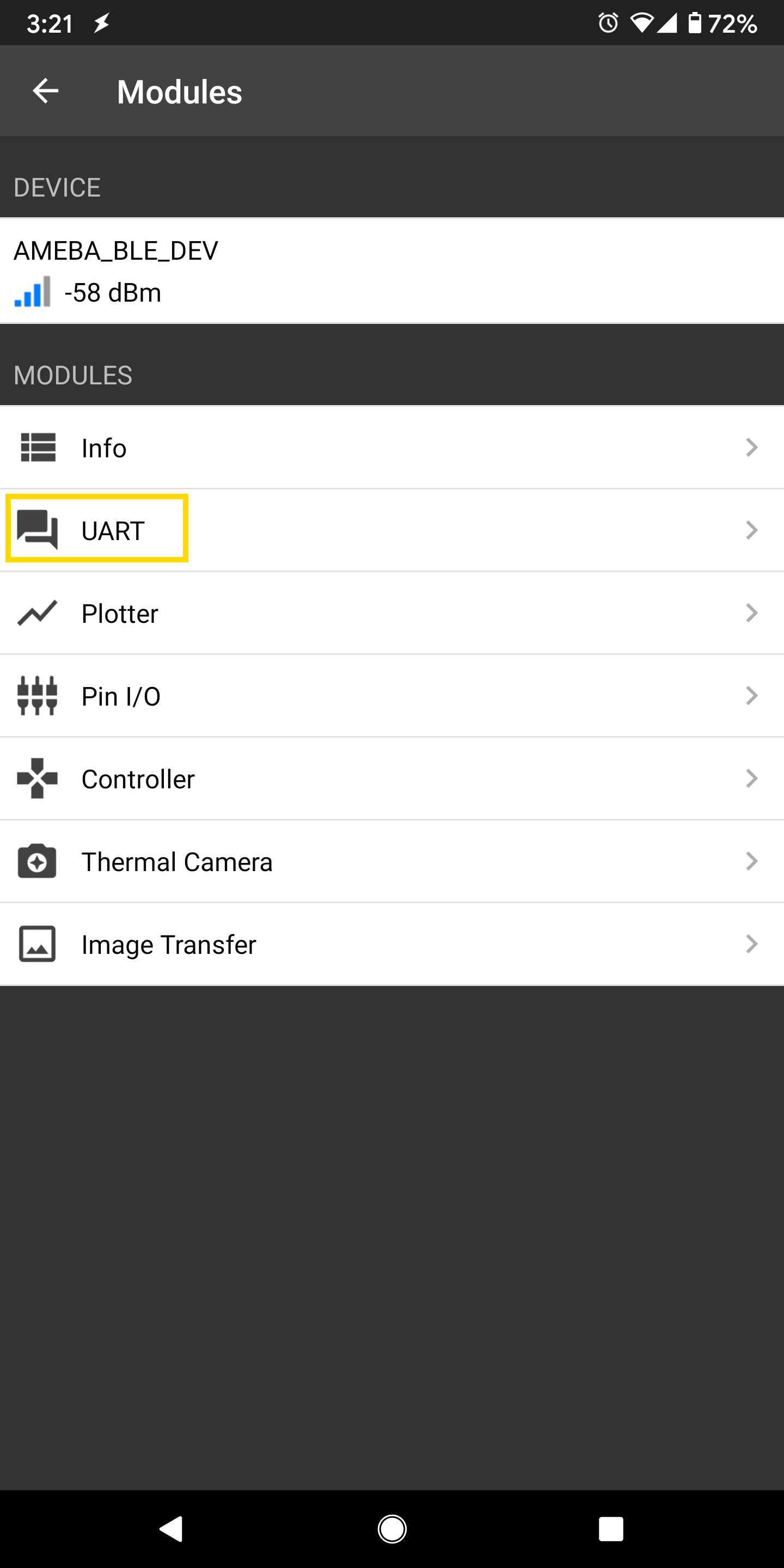
Open the app on your mobile phone, scan and connect to the Ameba board shown as AMEBA_BLE_DEV and choose the UART function in the app.
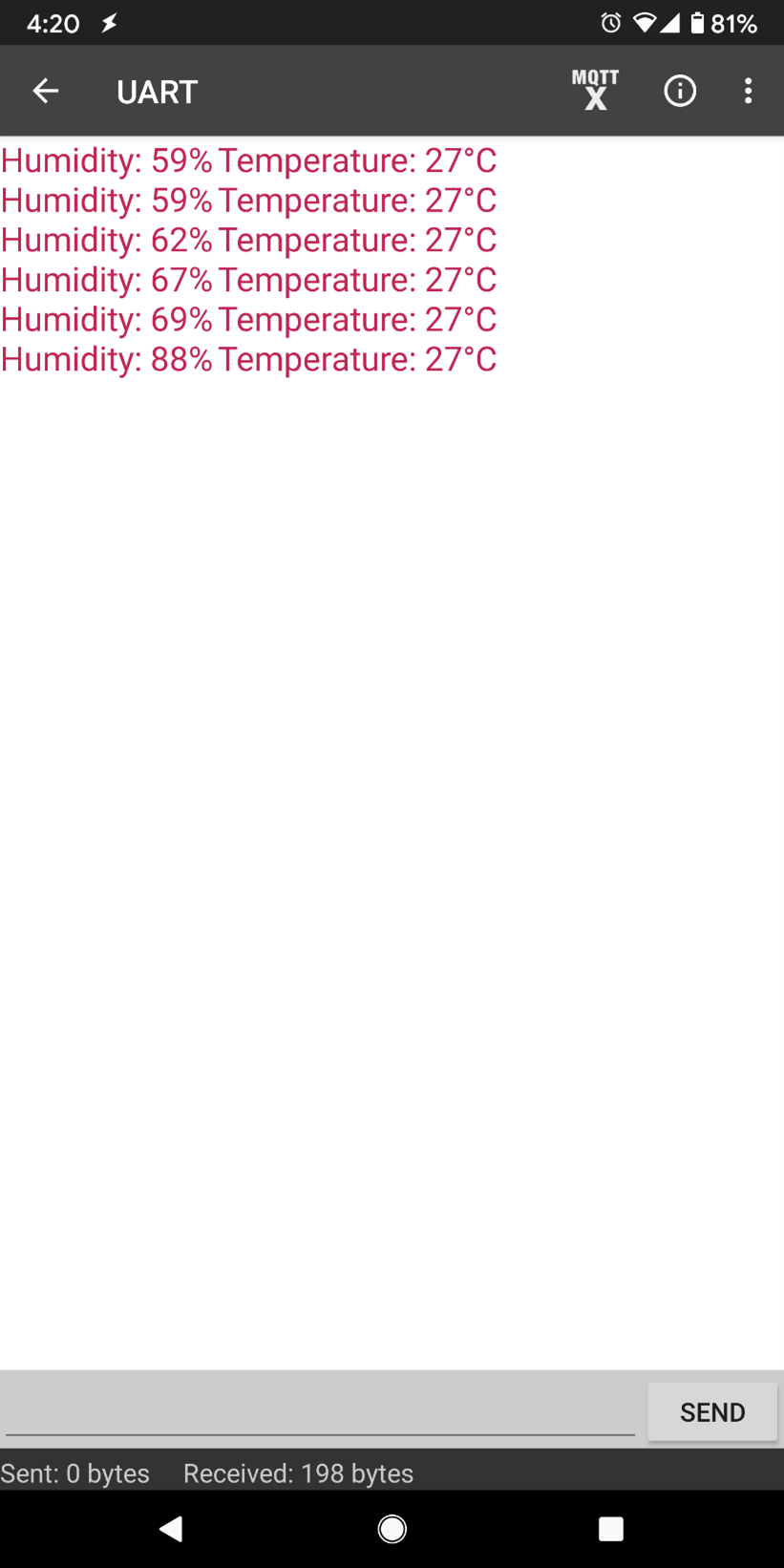
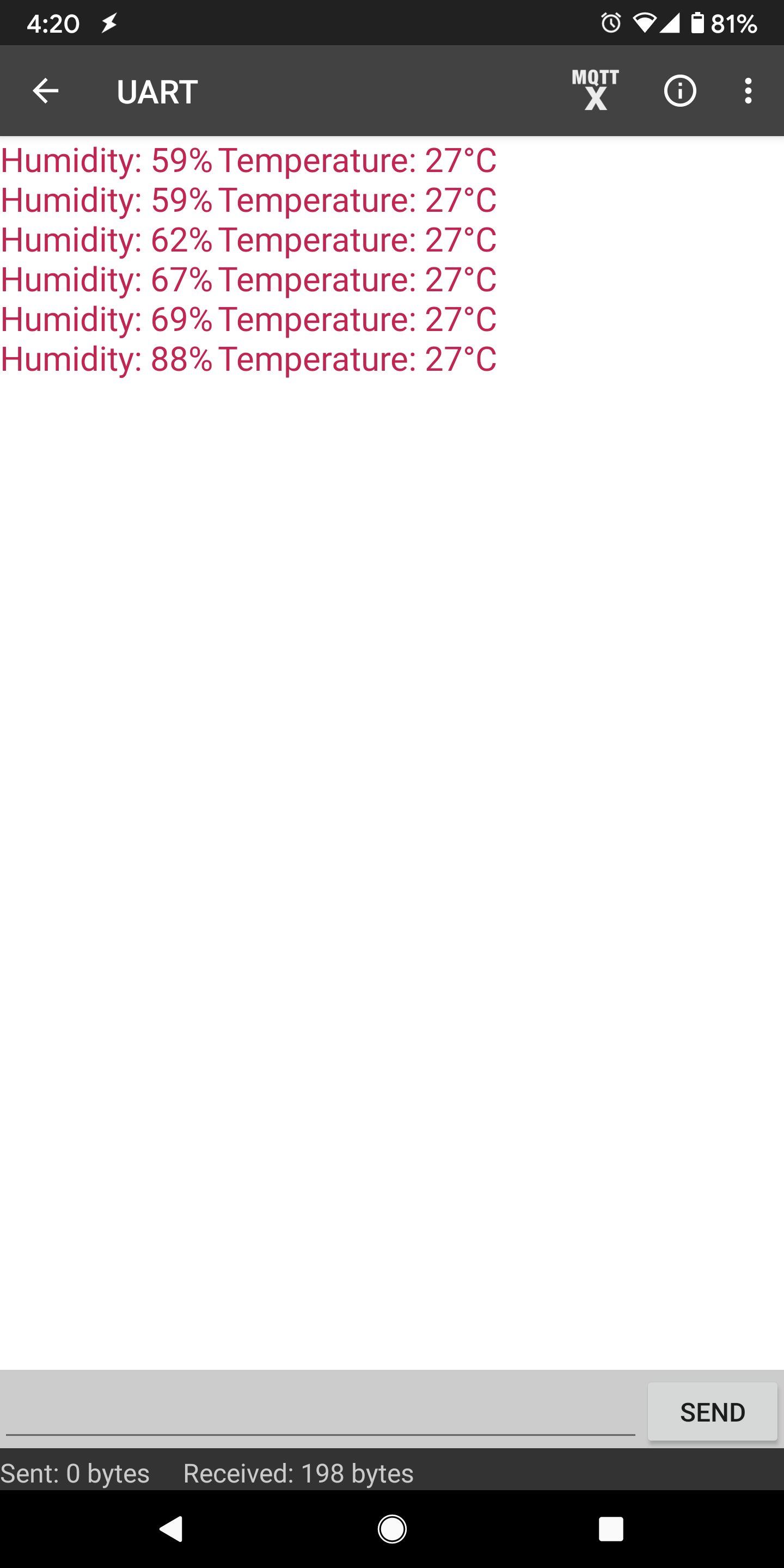
After starting the UART function, notifications should be received every 5 seconds containing the measured temperature and humidity.