Generative AI Video
Note
 “Generative AI Video” is jointly developed by RTKSG SD3 and ChungYi Fu (Kaohsiung, Taiwan)
 Special thanks and credits to the efforts and contributions for all developers.
Materials
AMB82-mini x 1
MicroSD card
PushButton x1
220 ohm resistor x1
Example
GenAIVideo
In this example, we will be using development board to record and send video + audio recording to LLM server for analysis.
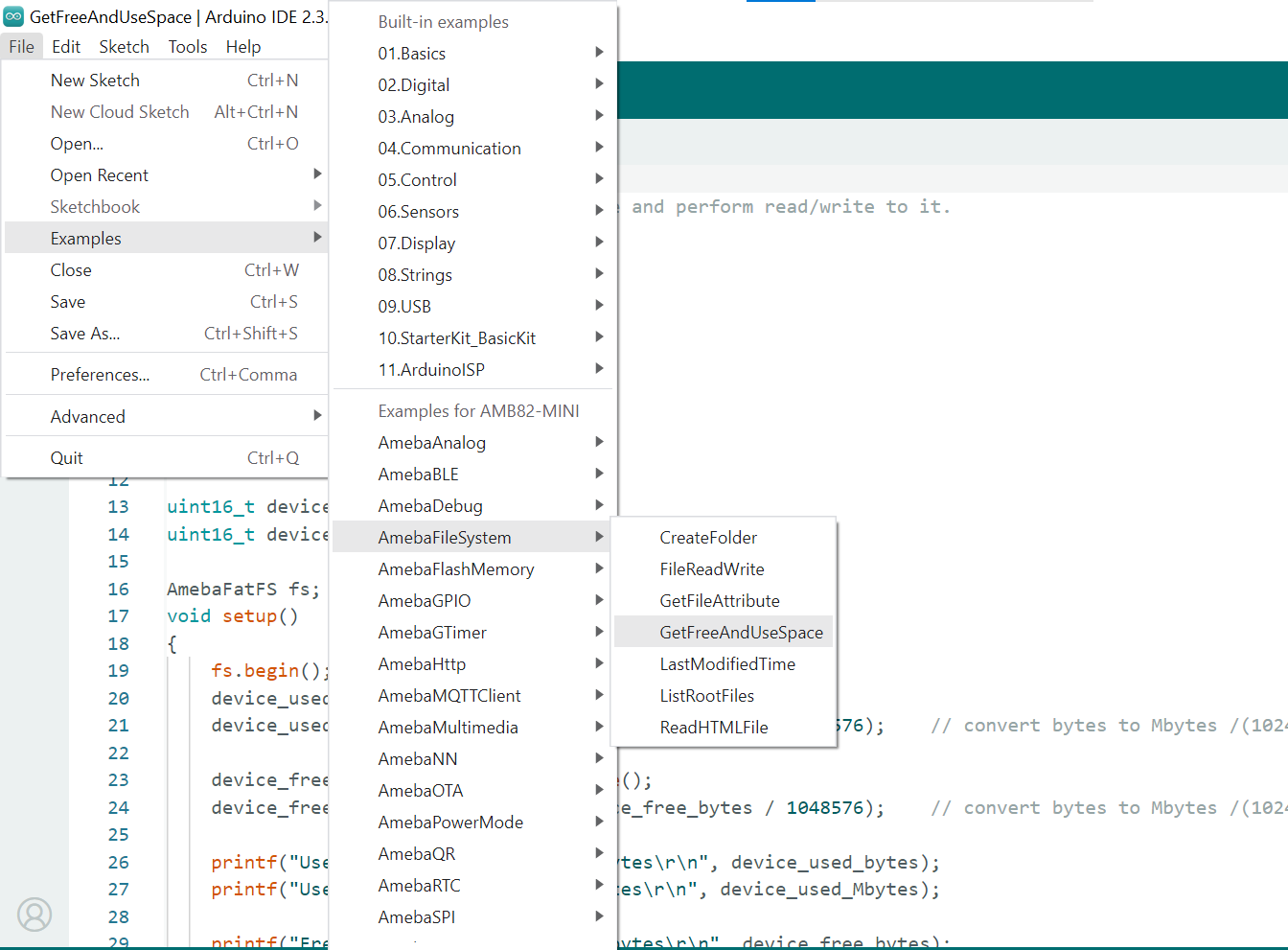
Open Generative AI Video example in File -> Examples -> AmebaNN -> MultimediaAI -> GenAIVideo
Fill in the “ssid” with your WiFi network SSID and “pass” with the network password.
Then, fill in your Gemini api key. You may also modify the recording duration and filename.
Connect the pushbutton and resistor as shown below.
Compile and run the example.
Open the serial monitor to view the logs.
Press button once, recording will start after 3 seconds of blue LED blinking, you will record the background and sound of your surrounding within the pre-defined duration.
Once the recording is done, it will be saved as a MP4 and sent to online Gemini server.
Response from Gemini will be printed out on serial monitor.
Online LLM Models
Various online servers and LLM models featured in the SDK:
Host |
Transcription Endpoint |
Translation Endpoint |
Model |
Rate Limit |
Pricing |
|---|---|---|---|---|---|
generativelanguage.googleapis.com |
/v1beta/models/<model> |
gemini-2.5-flash |
10 RPM |
Free of charge |
|
Rate Limit References
Google AI Studio: https://ai.google.dev/gemini-api/docs/rate-limits