OLED Display
Materials
AMB82-mini x 1
0.96 inch OLED Display 128x64 (SSD1306) x 1
Example
Introduction
The example will showcase texts, shapes, and bitmap images on an OLED display using the I2C communication protocol alongside Adafruit libraries.
Procedure
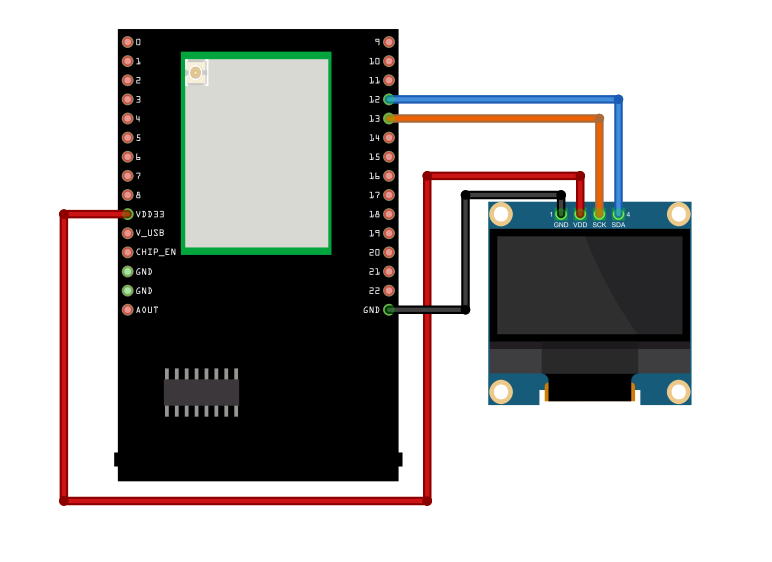
Connect the 0.96-inch OLED display to I2C_SDA and I2C_SCL of the board.
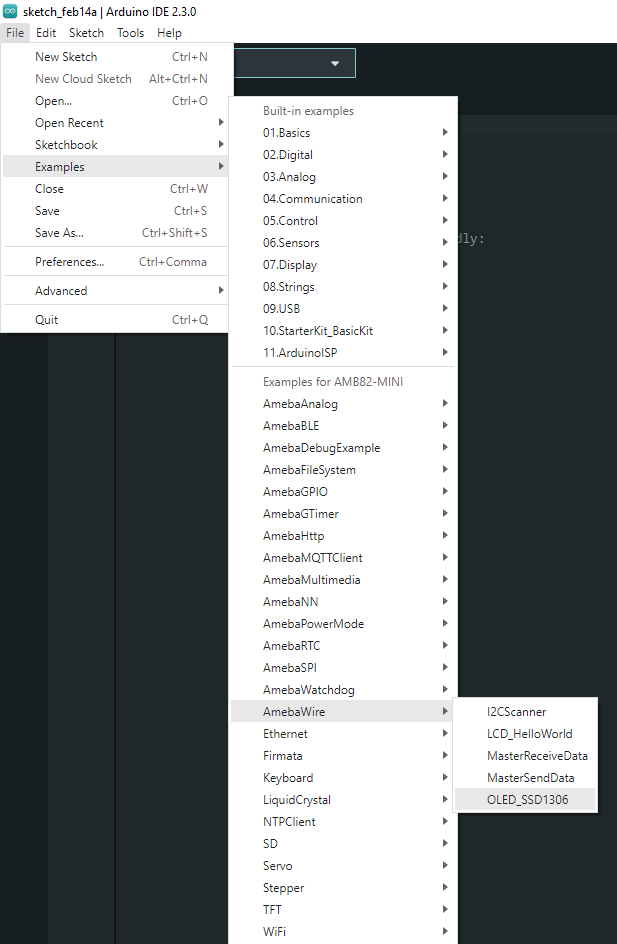
Open the example in “File” -> “Examples” -> “AmebaWire” -> “OLED_SSD1306”.
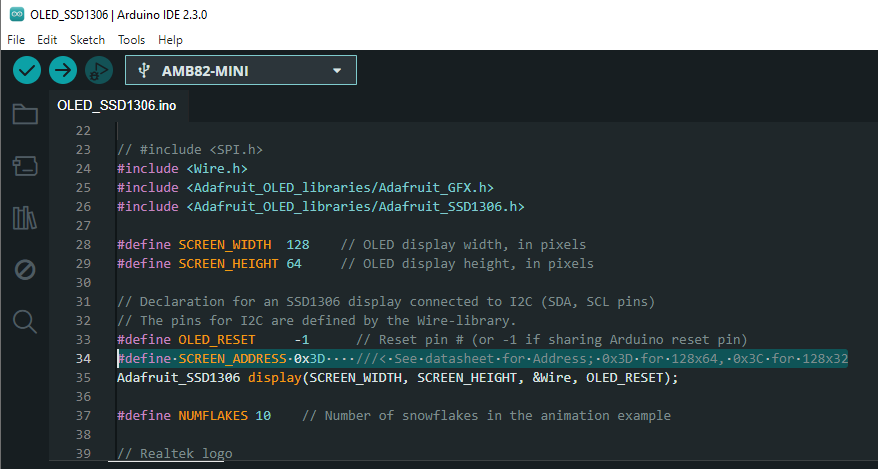
For this example, we will be using 0x3D as the address.
If the address doesn’t work for you, you can run I2CScanner to find the OLED address by navigating to “File” -> “Examples” -> “AmebaWire” -> “I2CScanner”.

Compile and upload to Ameba, then press the reset button.
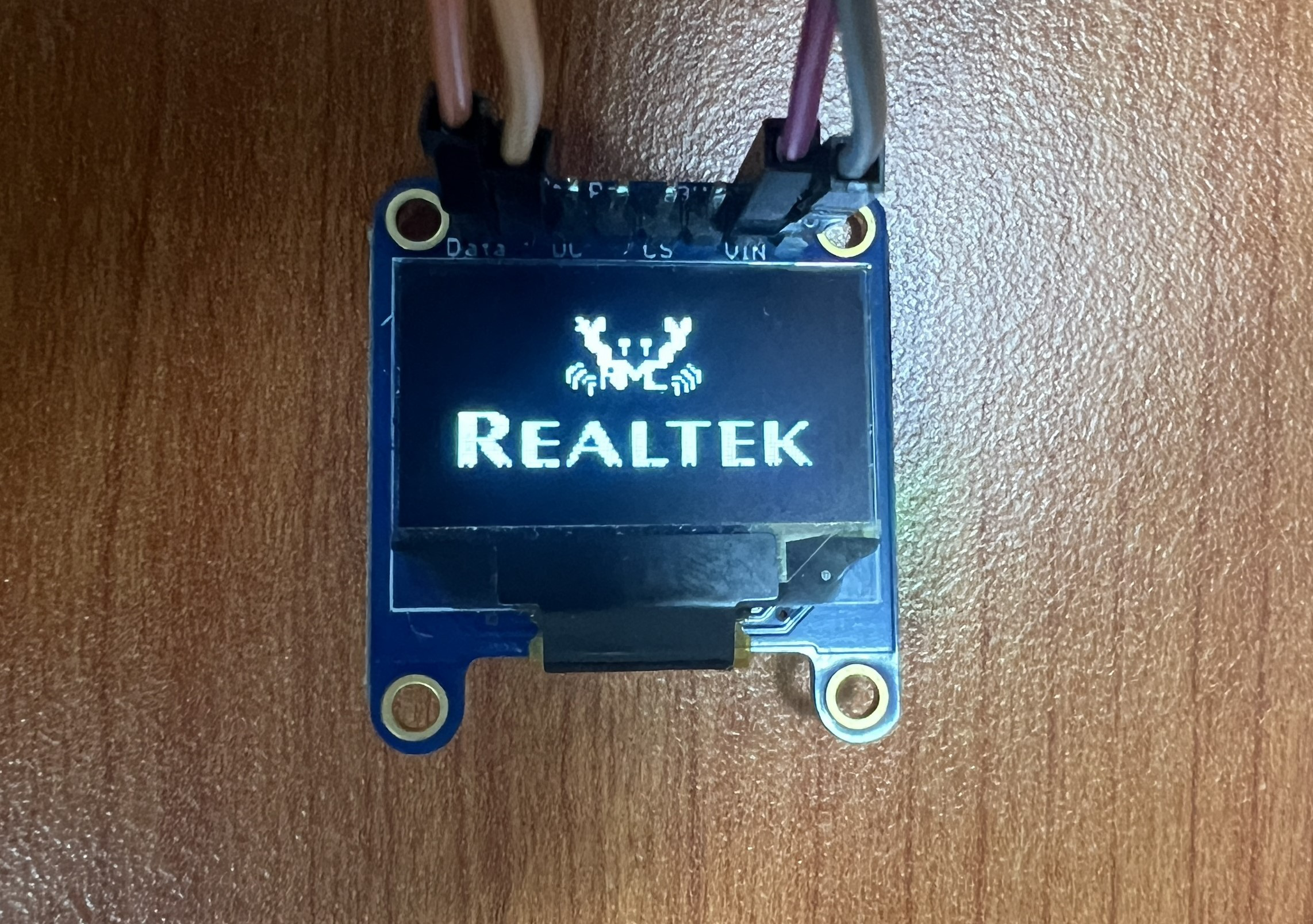
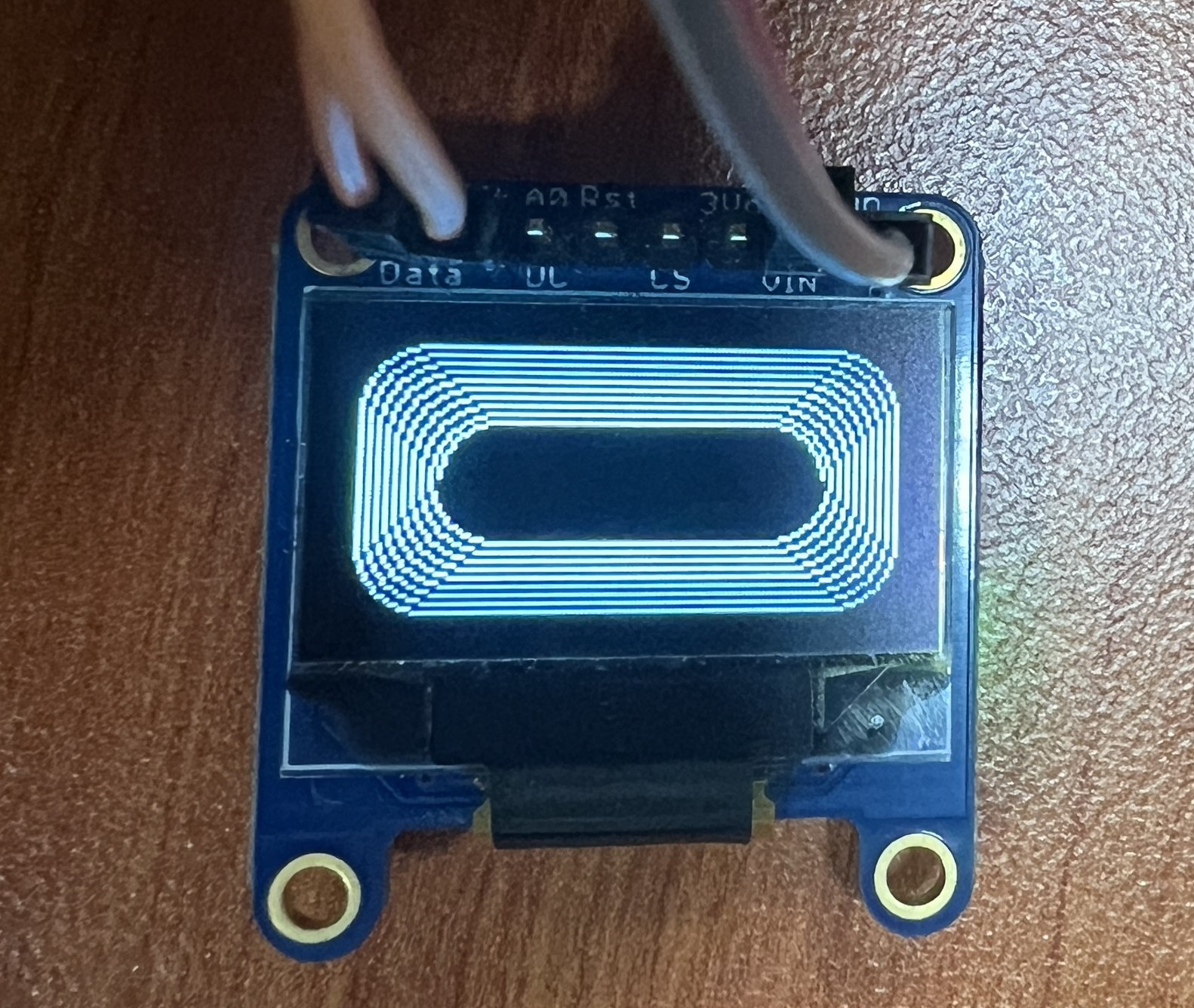
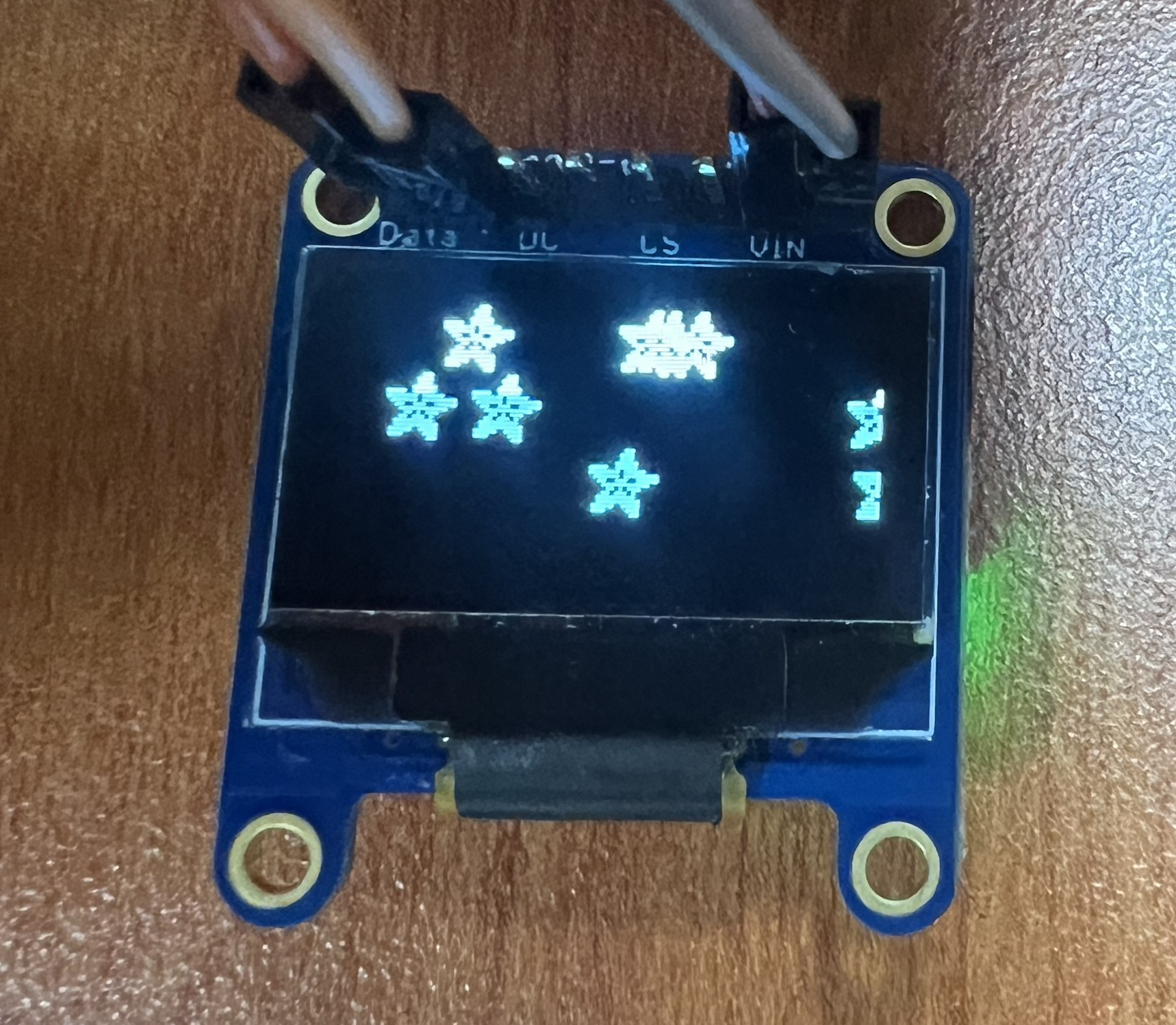
First, Realtek logo will be shown, followed by shapes, text, and animations. Some examples are shown below.
If you would like to change the Bitmap image shown on the OLED display, you can prepare a picture/photo and resize the image based on the OLED display that you are using. You can look for a photo resizing tool online, for example, https://resizeimage.net/.
Next, you may use online tools such as https://javl.github.io/image2cpp/ to convert image into an array.