RTSP Audio Stream
Materials
Supported EVB x 1
Example
This example shows how to use the Ameba Pro2 board to stream audio recorded by the onboard analogue microphone in different formats.
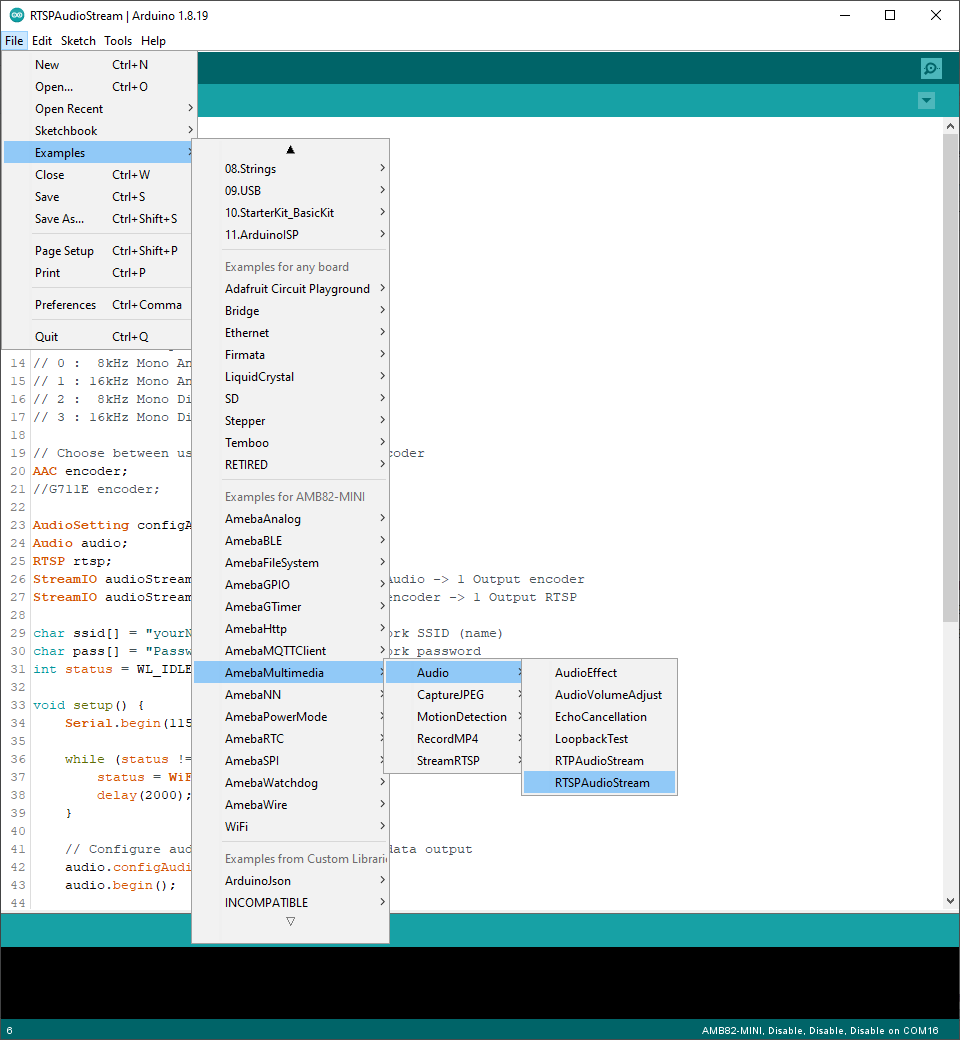
Open the example in File -> Examples -> AmebaMultimedia -> Audio -> RTSPAudioStream
In the highlighted code snippet, fill in the ssid with your WiFi network SSID and pass with the network password.
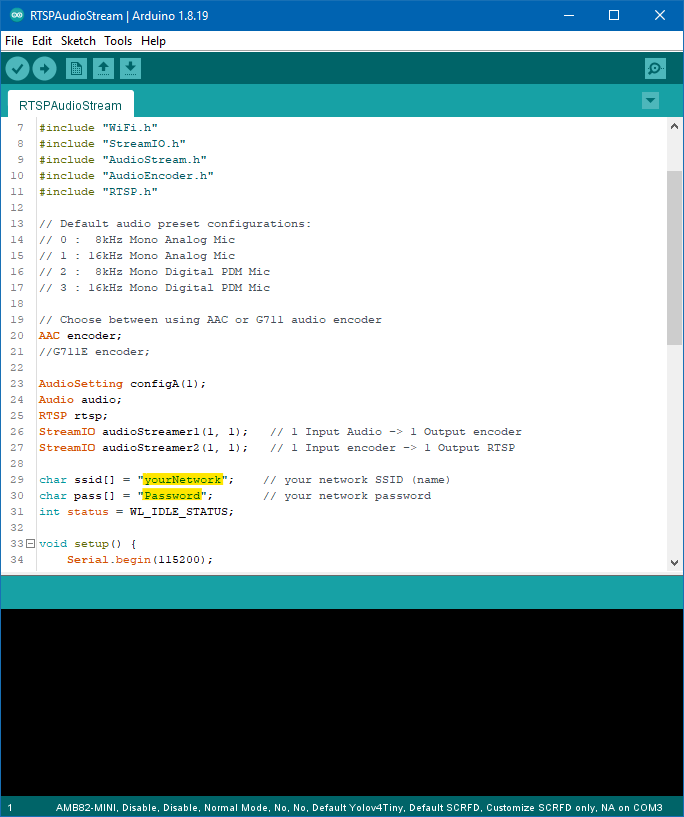
Compile the code and upload it to Ameba.
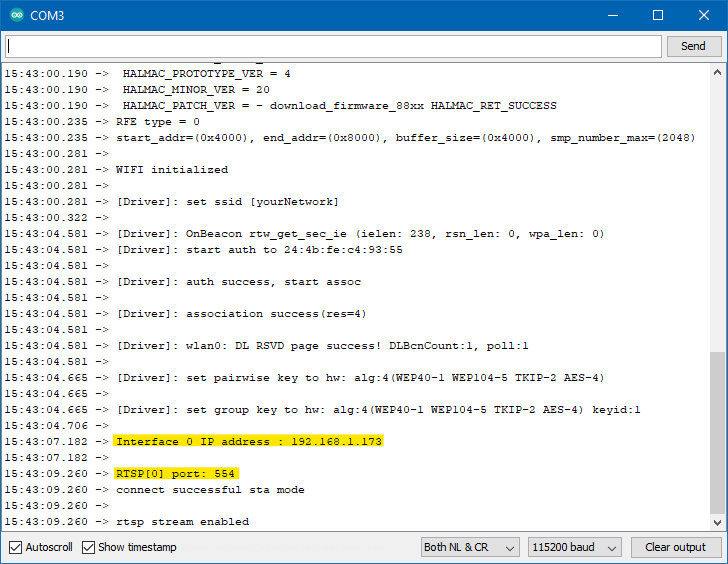
After pressing the Reset button, wait for the Ameba Pro 2 board to connect to the WiFi network. The board’s IP address and network port number for RTSP will be shown in the Serial Monitor.
On a computer connected to the same WiFi network, open VLC media player, and go to FileFileMedia -> Open Network Stream`
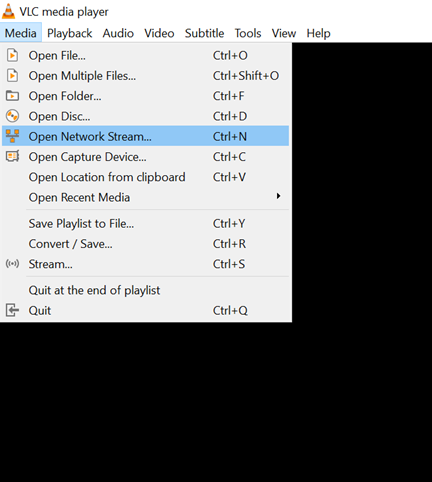
Since RTSP is used as the streaming protocol, key in rtsp://{IPaddress}:{port} as the Network URL in VLC media player, replacing {IPaddress} with the IP address of your Ameba Pro2 board, and {port} with the RTSP port shown in Serial Monitor. The default RTSP port number is 554.
Next, click Play to start RTSP streaming. You should be able to hear sounds picked up by the onboard microphone replayed through computer.
Code Reference
The code can be modified to use the G.711 audio codec (PCMU/PCMA) instead of the default AAC. The G.711 audio codec is optimized for human speech and can maintain the clarity and understandability of spoken speech while reducing the data bandwidth needed.