HTTP File Server and MP4
Materials
AMB82-mini x 1
MicroSD card x1
Example
In this example, we will use AmebaPro2 development board to establish a file server for mp4 recordings access.
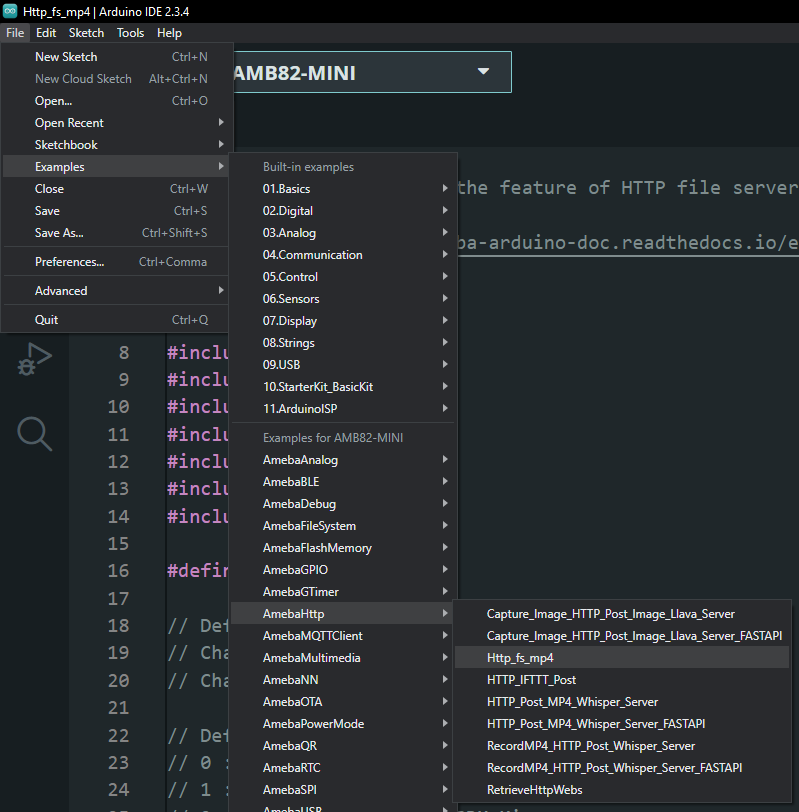
Open “File” -> “Examples” -> “AmebaHttp” -> “Http_fs_mp4”.
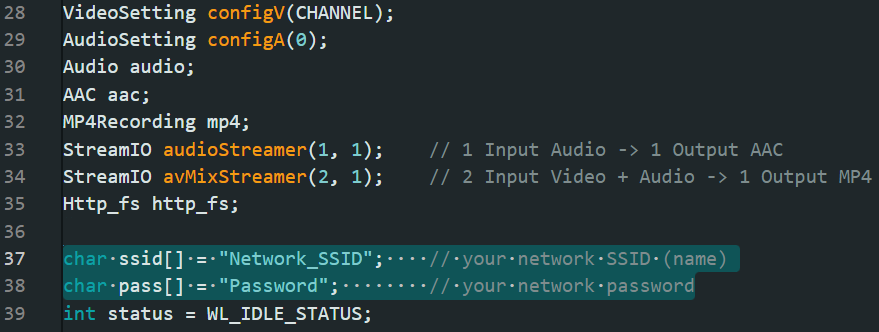
In the highlighted section, kindly modify it according to your WiFi SSID and password.
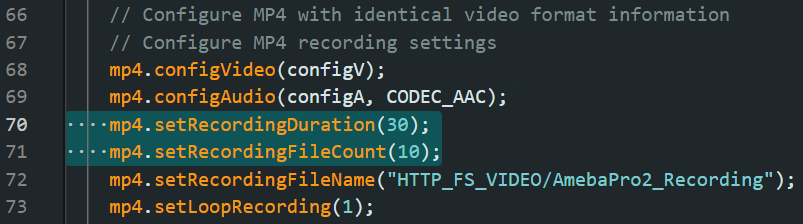
You may also change the mp4 recording duration (in seconds) and filecount. Please do not change the filename (“folder”/”file”).
Then, compile and upload the code to AMB82 Mini.
Note
Kindly insert SD card before pressing the reset button
Open the serial monitor to view the logs. Please copy down the IP address and paste it on a web browser to view the file server page created.
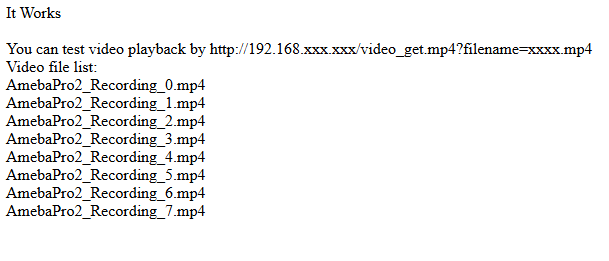
You may follow the instruction shown to download the mp4 recordings from AMB82 Mini over HTTP.
Note
Kindly refresh the page to view the latest update on the file server